Strategy
One or Two Emojis That Work in Facebook Ads: 3 Tests Marketers Can Run
By Nick Georgalos · 9 min read · Updated 2026-09-04
One or Two Emojis That Work in Facebook Ads: 3 Tests Marketers Can Run ! Two emojis in a mobile ad preview Use one or two emojis when they reinforce a call to action or match a casual, consumer-facing brand voice; skip them for formal lead-generation offers unless your own A/B test proves otherwise.
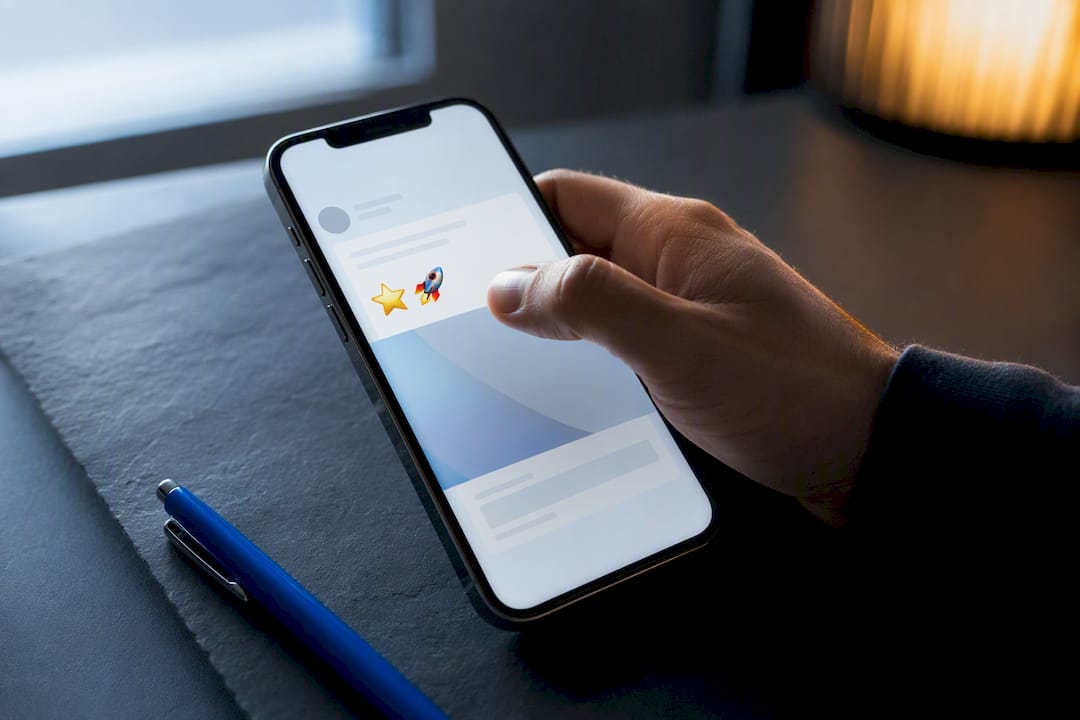
Use one or two emojis when they reinforce a call to action or match a casual, consumer-facing brand voice; skip them for formal lead-generation offers unless your own A/B test proves otherwise. Emojis grab attention fast, but that same visual punch can read as unprofessional in regulated or high-trust categories. Test before you scale, and check the sections below for the shortlist, the how-to, and the templates.
TL;DR:
- Emojis like pointing, benefit, and celebratory icons can increase engagement but may reduce professionalism for utility-focused offers.
- Using more than two emojis or stacking them creates noise and can negatively impact ad relevance and quality scores.
- Testing should compare emoji versus no emoji, different types, and varying counts, with primary metrics being click-through and conversion rates.
- Mobile preview is essential to ensure emojis render correctly across devices, and one variable only should be changed between tests for clear results.
- For regulated offers or lead generation, subtle emoji use in copy tends to perform better than prominent or multiple icons.
Table of Contents
- Which Emojis Work Best in Facebook Ads?
- How Do You Add Emojis to Facebook Ads Manager?
- Best Practices for Using Emojis in Ad Copy
- How Do You A/B Test Emojis in Facebook Ads?
- Ready-to-Use Ad Copy Templates With and Without Emojis
- What I’ve Learned Testing Emojis Across Real Ad Accounts
- Let Fexads Run and Test Your Ad Creative for You
- Sources
Which Emojis Work Best in Facebook Ads?
Not every emoji earns its spot in ad copy. A handful show up again and again in high-performing creative because they do a specific job, not because they look fun.
- 👉 or ➡️: points the eye straight at your call to action
- ✅: signals a benefit, feature, or completed step
- 🎁: flags a promo, bonus, or giveaway
- 🎉: works for launches, celebrations, or limited-time events
- 🔔: cues urgency or a reminder (“don’t miss this”)
- 📅 and 📍: anchor event dates and locations without extra words
Retail, events, and lifestyle brands tend to see the clearest lifts from this kind of usage. Industry summaries suggest one or two emojis often lift engagement on consumer-facing Facebook posts, though effect sizes swing depending on platform and audience. B2B offers, professional services, and regulated products (think insurance, legal, or financial disclosures) don’t share that pattern. Experimental research on emoji use in marketing found emojis boost attention and purchase intent for hedonic, feel-good products, but they can actually lower perceived professionalism and purchase intent for utilitarian or service-based offers.
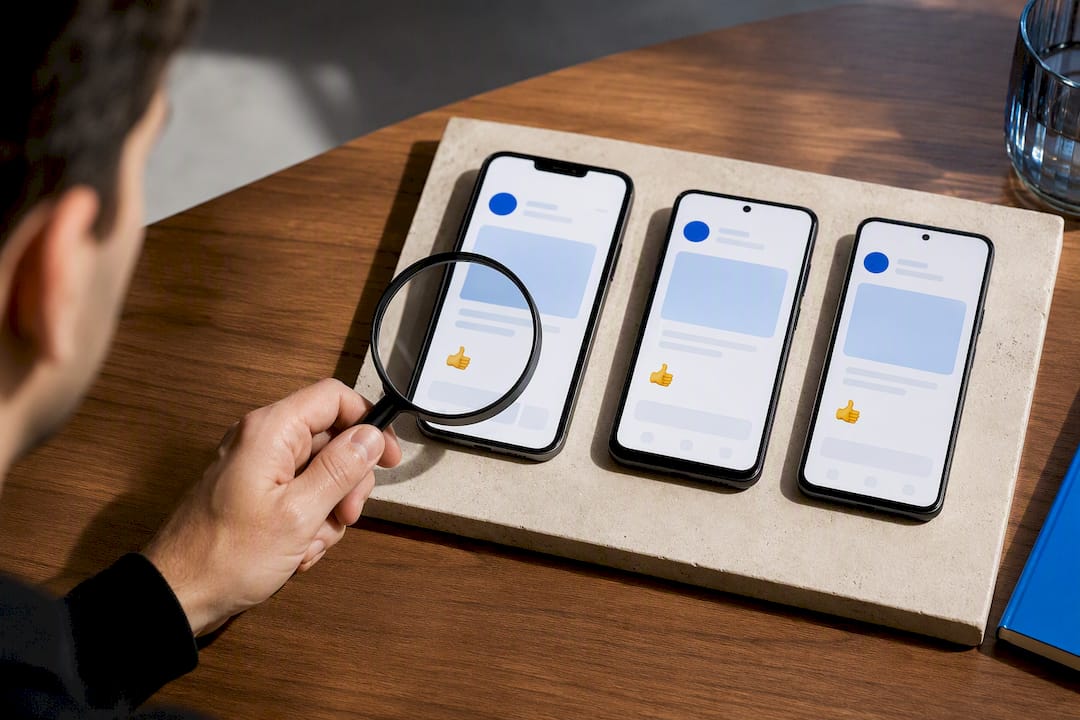
Stay away from sexualized emoji, anything ambiguous across cultures, and anything with political baggage. And always preview on mobile first. Rendering varies by device and OS, and an emoji that looks clean on your desktop version of Ads Manager can look completely different, or even glitch out, on someone’s phone.
How Do You Add Emojis to Facebook Ads Manager?
There’s no emoji button inside Ads Manager, so you need to bring the character in from somewhere else. Two methods handle almost every situation.
- Copy from a source library. Browse Emojipedia, copy the character, and paste it directly into your Primary Text, Headline, or Description field.
- Use your operating system’s built‑in shortcut. On a Mac, press Cmd+Ctrl+Space. On Windows, press Win+. or Win+,. On mobile, tap the emoji key on your keyboard.
- Paste carefully by field. Primary Text has more room to breathe; Headlines are short and tight, so a single emoji at the start or end usually reads cleaner than one buried mid-sentence.
- Check the preview pane before publishing to confirm the emoji renders correctly across placements.
Pro Tip: Before you commit to a less common emoji, look it up on Emojipedia first. Some render differently by gender or skin tone across platforms, and what reads as neutral on iOS can look completely different on Android.
Screen readers announce emoji names aloud, so a string of five icons in a row creates a clunky, confusing experience for anyone using assistive tech. Keep it minimal.
Best Practices for Using Emojis in Ad Copy
Good emoji use in Facebook ads follows a short list of rules that hold up across most industries.
Do this:
- Stick to one or two emojis in your Primary Text, not more.
- Use a pointing emoji (👉, ➡️) right before your CTA link or button to draw the eye.
- Match the emoji to your brand voice. A playful skincare brand and a mortgage protection ad shouldn’t sound the same.
Avoid this:
- Long strings of emoji stacked together. They read as spammy and often trip Meta’s ad quality signals.
- Emoji inside legal disclosures, disclaimers, or compliance language. That copy needs to stay literal.
- Using an emoji as a substitute for a clear benefit statement. It should support your message, never replace it.
Keep headlines especially lean. A single well-placed emoji at the start of a headline can boost scannability, but two or three turns it into noise. Meta’s relevance and quality signals reward copy that feels native to the platform, and copy that leans too hard on decoration tends to underperform on those diagnostics over time.
Pro Tip: Run any new emoji pattern through a small test before rolling it out across your entire funnel. What works in an awareness campaign can quietly raise your cost per lead in a conversion campaign, and you won’t know until you check the numbers by metric, not by gut feeling.
How Do You A/B Test Emojis in Facebook Ads?
A clean emoji test isolates one variable at a time. Change the emoji, not the offer, the image, or the audience.
- Test emoji versus no emoji. Duplicate an ad, remove all emoji from one version, and keep everything else identical.
- Test emoji type. Compare a pointing emoji against a benefit emoji (✅) to see which drives more clicks toward your CTA.
- Test emoji count. Run one emoji against two or three to find the point where engagement plateaus or drops.
Track CTR and conversion rate as your primary signals, and watch CPL or cost per action as the number that actually matters to your budget. Relevance score and frequency work as secondary checks for creative fatigue. Simple binary testing works best when you avoid small sample sizes that skew results one way. Expect mixed outcomes: hedonic, consumer-facing offers often improve, while strict lead-gen funnels can go the other way. Vendor-reported tests show this split clearly, with awareness campaigns posting strong lifts while lead-generation campaigns sometimes see flat or negative results from the same emoji.
Ready-to-Use Ad Copy Templates With and Without Emojis
Paste these into Ads Manager and swap in your own offer details.
Product promo: Emoji: “New arrival 🎉 Our best-selling serum just got an upgrade. 👉 Shop today.” Plain: “New arrival. Our best-selling serum just got an upgrade. Shop today.”
Limited-time discount: 🎁 Use code SAVE20. Plain: “48 hours only. Save 20% on your first order. Use code SAVE20.”
Event signup: Emoji: “Join us 📅 March 14 at 6 PM. 📍 Reserve your seat now.” Plain: “Join us March 14 at 6 PM. Reserve your seat now.”
Lead form (life insurance style): Emoji: “Free quote in 2 minutes ✅ No obligation. Answer 3 quick questions.” Plain: “Free quote in 2 minutes. No obligation. Answer 3 quick questions.”
Before you launch either version, run through this checklist:
| Check | Why it matters |
|---|---|
| Compliance copy is emoji-free | Disclosures need to stay literal for regulated offers |
| Previewed on mobile | Rendering can differ by device and OS |
| Pixel and tracking confirmed | You need clean data to compare emoji vs. plain fairly |
| Only one variable changed | Keeps your test result readable |
Notice the lead form template uses a checkmark instead of a pointing emoji. Trust-based offers, like a lead form, tend to do better with a subtler signal than a big visual arrow.
What I’ve Learned Testing Emojis Across Real Ad Accounts
Emoji testing looks simple until you’re the one paying for the lead. In consumer categories, a well-placed emoji often lifts click-through rate without much downside. In final expense and IUL lead generation, the picture gets messier. Some campaigns hold steady with a single checkmark in the copy. Others see CPL creep up when an emoji makes the offer feel less serious to an older, more cautious audience.
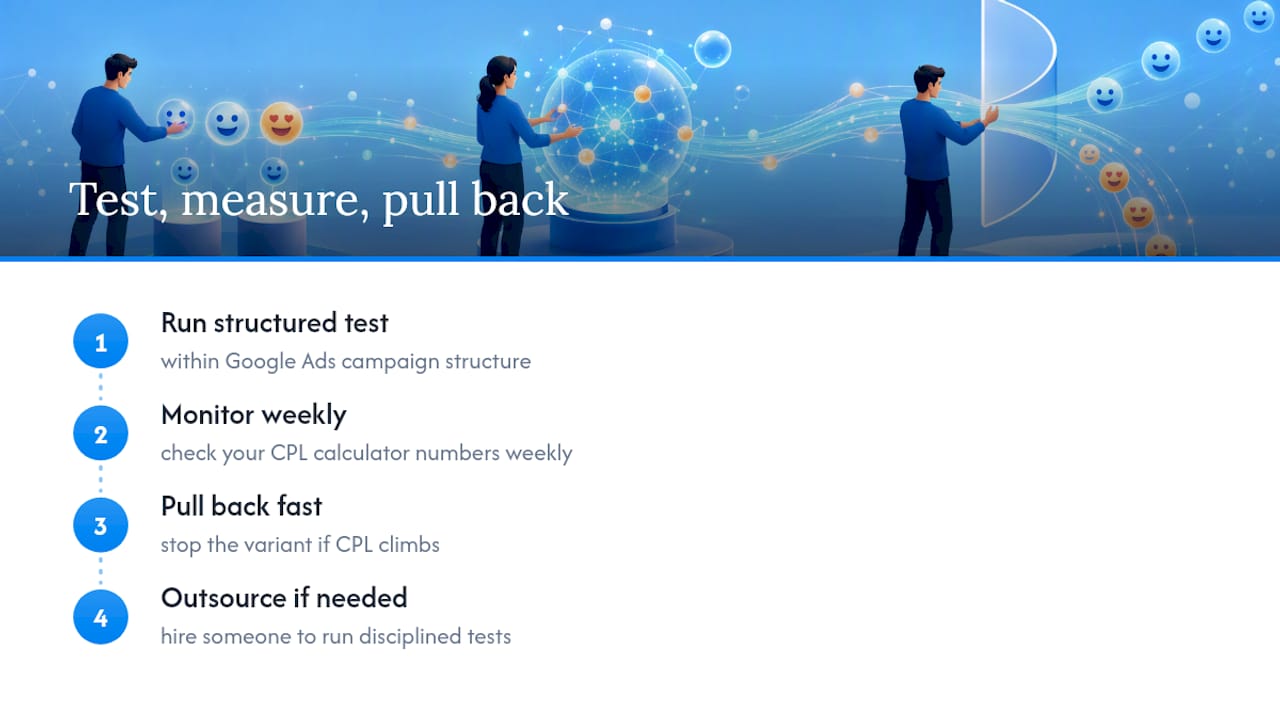
The honest answer is that nobody can tell you in advance which way your account will go; structuring your tests properly within your Google Ads campaign structure can help uncover what works best. Run the test, check your CPL calculator numbers weekly, and pull back fast if cost per lead climbs. If you don’t have the bandwidth to run disciplined creative tests on top of everything else, that’s exactly the kind of work worth handing to someone who does it daily.
— Nick
Let Fexads Run and Test Your Ad Creative for You
Some Facebook ad campaign managers offer licensed life insurance agents full ownership of every lead generated, plus ongoing creative testing to determine whether emojis, headlines, or offers impact cost per lead.
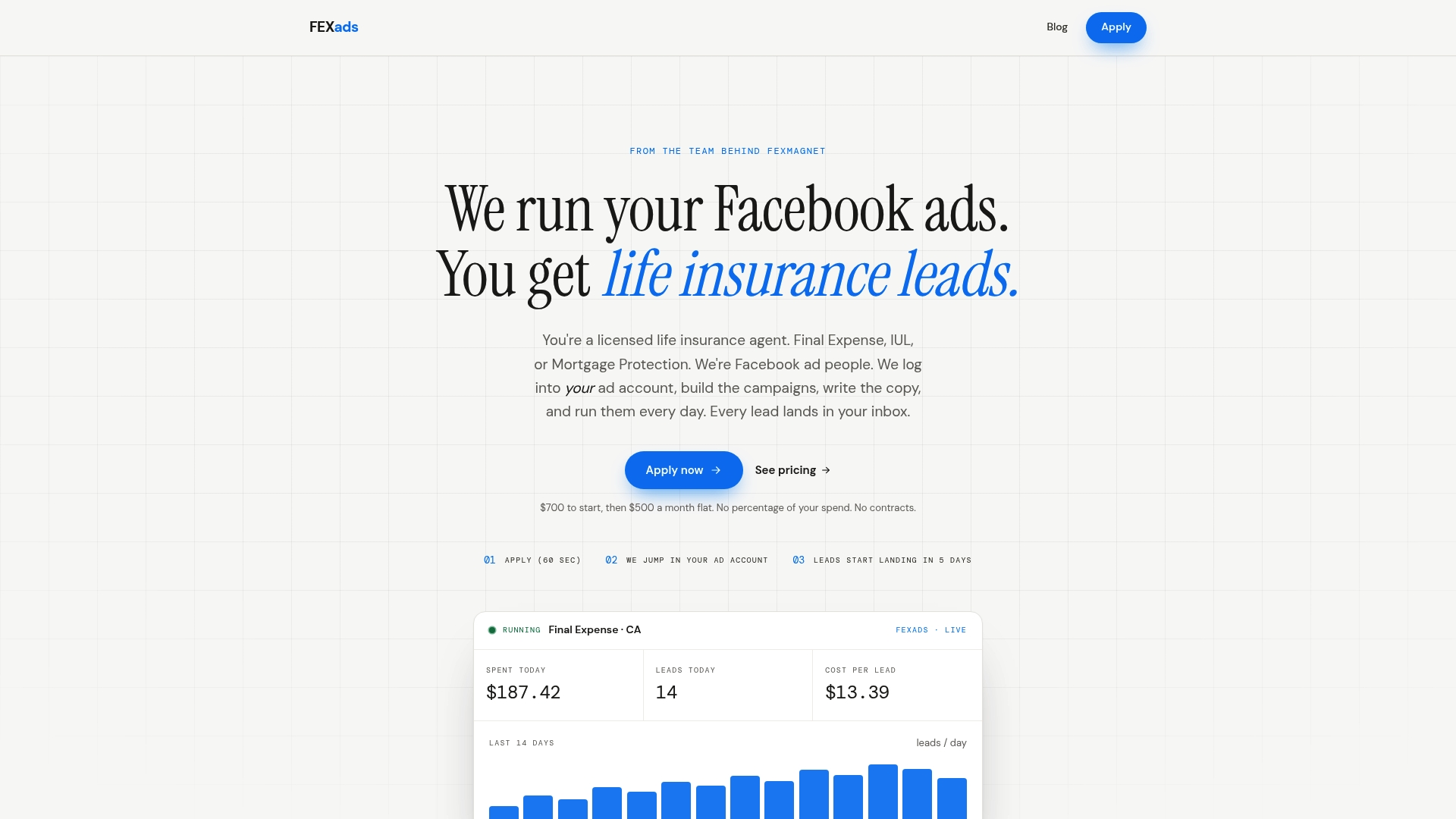
That means no shared leads, no guessing which ad variant is working, and no software fees stacked on top of your ad spend. Fexads builds custom campaigns for final expense, IUL, and mortgage protection agents, then optimizes them daily inside your own ad account, including the kind of emoji and copy testing covered above. If you’re ready to see what a managed campaign looks like for your state and your book of business, check FE Facebook Ads by State for setup details and next steps.
Sources
- Sciencedirect: emojis research (marketing context)
- Emojipedia
- GatiLab: Emoji marketing tested lifts (2026)
Recommended
Want us to run your FE ads?
Two plans from $200 setup. A flat monthly fee from $500 that starts at your first sale.
Apply now