Strategy
Ad Scheduling for Life Insurance Facebook Ads: A Guide
By Nick Georgalos · 13 min read · Updated 2026-10-27
Ad Scheduling for Life Insurance Facebook Ads: A Guide ! Agent setting Facebook ad delivery hours To schedule life insurance ads on Facebook, set the schedule in the ad set's Budget & schedule section, switch to a lifetime budget, and pick the days and hours you want the ads to run.

To schedule life insurance ads on Facebook, set the schedule in the ad set’s Budget & schedule section, switch to a lifetime budget, and pick the days and hours you want the ads to run. The harder part is deciding which hours deserve your money. Start with when your audience is online and when you can actually answer leads, then test blocks of time against lead quality and cost per lead, not clicks.
This guide walks through the setup, how to choose hours for final expense, IUL and mortgage protection, how to test a schedule without fooling yourself, and the rules to check before an ad goes live.
TL;DR
- Day-and-hour scheduling only works with a lifetime budget. A daily budget does not offer it.
- Choose hours from your own Page Insights and your follow-up capacity, not from a “best time to post” chart.
- Test one schedule change at a time for at least a week or two, and judge by cost per qualified lead and appointments, not cost per click.
- Pick the right Special Ad Category and get proper written consent before anyone calls or texts a lead.
- If you own the ad account and the lead data, every schedule test teaches you something you keep.
Table of Contents
- How to schedule Facebook ads in Ads Manager
- Should you schedule at all?
- How to choose the days and hours
- Testing a schedule without fooling yourself
- Compliance checks before you schedule anything
- Perspective: why ownership matters more than the clock
- What we handle if you would rather not
- A simple starting schedule to adapt
- FAQ
- Sources
How to schedule Facebook ads in Ads Manager
The schedule lives at the ad set level. When you build a campaign, you pick an objective such as Leads, then configure the campaign, ad set and ad. The University of Miami’s Ads Manager guide describes that flow and notes that for a lead campaign you choose a conversion location such as an Instant Form and a Facebook Page, and that a lifetime budget requires both a start and an end date.
Here is the sequence we use:
- Create a campaign with a Leads objective.
- At the ad set level, choose your conversion location (an Instant Form, your website, or calls).
- In Budget & schedule, change the budget type to Lifetime budget.
- Set a start date and an end date.
- Open the extra scheduling options and choose to run ads on a schedule. AdEspresso’s scheduling guide explains that Meta shows the controls in one-hour blocks by day, so you can pick different hours on different days or repeat the same block daily.
- Select your blocks in the grid, then publish.
A few details trip people up. Adamigo’s walkthrough states that ad scheduling is not available with a daily budget, so if you do not see the option, check your budget type first. Meta also lets you decide whether the schedule follows the ad account’s time zone or the viewer’s local time zone. For an agent licensed in one state, account time zone is usually the simpler choice. For a multi-state campaign, the viewer’s time zone keeps “7 p.m.” meaning 7 p.m. for the person on the couch.
One more practical note: a lifetime budget is a total for the whole run, and Meta paces it across the hours you allow. Fewer hours means the same money gets compressed into those windows, which can push up your costs in competitive hours. Set the lifetime figure with that in mind rather than copying your old daily number times the days.
Should you schedule at all?
The honest answer: not always. Running continuously is the right default when you are new to a campaign, because Meta’s delivery system needs data to learn and you need data to know anything about your audience. Scheduling is an optimization you add once you have a few hundred dollars of results to read.
Scheduling earns its place in three situations:
- You cannot respond to leads at certain times. A lead who submits a form at 2 a.m. and hears from you at 9 a.m. is colder than one you call in five minutes. A local service business might focus its ads on hours that match its operating schedule, as Adamigo notes, and an agent working a book of business is exactly that kind of operation.
- Your cost per lead spikes in specific blocks. Hours where leads cost double and rarely answer the phone are candidates for removal.
- Your audience has a clear rhythm. Final expense buyers are typically older and may be online at different times than a 35-year-old homeowner scrolling after the kids are in bed. That is a hypothesis to test, not a rule to assume.
If your answer to all three is “I don’t know yet,” run continuously for a couple of weeks and come back.
How to choose the days and hours
Start from evidence about your own audience. Meta’s own tooling points the way: Adamigo recommends using Page Insights to see when your audience is most active before setting a schedule, and AdEspresso recommends the same “When Your Fans Are Online” view. Page Insights only reflects people who already follow your Page, so treat it as a starting point rather than a verdict on cold audiences.
Then layer in three more inputs.
Your own lead data
Export your results by day of week and hour of day from Ads Manager and look at cost per lead alongside what happened after: did the lead pick up, did you book an appointment, did the policy issue? The Meta x Digital Culture Network guide notes that Ads Manager reporting can be customized and exported, which is what makes this analysis possible. If you are tracking lead cost, our cost per lead glossary entry and the CPL calculator help you set a ceiling that still makes sense against your commission.
Your follow-up capacity
Speed to contact matters more than almost any schedule tweak. If you work leads between 10 a.m. and 8 p.m., a schedule that ends at 9 p.m. or midnight might make sense, but only if you have a text or call sequence that runs the next morning. Otherwise, the late leads age out before you reach them.
The product you sell
Different products attract different people, so they may deserve different schedules:
| Product | Typical buyer | Schedule question to test |
|---|---|---|
| Final expense | Seniors, often 50+ | Do daytime weekday blocks produce more answered calls than evenings? |
| Mortgage protection | Recent or prospective homeowners | Do evenings and weekends beat work hours? |
| IUL | Higher-income professionals | Do early morning or lunch hours outperform late night? |
The right column is a list of questions, not findings. We do not publish a universal “best time” because the useful hours depend on your audience and your state, and anyone selling you one is guessing.
For product-specific creative and targeting, see our guides on final expense ad copy and mortgage protection Facebook ads.
Testing a schedule without fooling yourself
Most schedule “wins” are noise. A Tuesday at 3 p.m. produces two cheap leads and suddenly it is your golden hour. To avoid that, test like this:
- Change one thing. Duplicate the ad set and change only the schedule. Keep budget, creative and audience the same. Meta’s built-in A/B testing divides budget between strategies, as the Meta x DCN guide describes, which keeps the comparison fair.
- Split by time block. Compare, say, weekday daytime against evenings and weekends rather than twenty-four separate hours. Blocks collect enough volume to mean something.
- Give it time. In our experience, a week is the floor and two weeks is better, so each block covers every day of the week at least once or twice and exits Meta’s learning phase.
- Judge on the right metric. Cost per lead is the first filter. The real measure is cost per answered call, per appointment and per issued policy. A block with cheap leads who never pick up is expensive.
- Look for trends, not peaks. One great day means little. A block that is consistently better across both weeks means something.
If you want a lead form that screens for intent so the schedule test isn’t muddied by low-quality submissions, read how screening lowers Facebook CPL for insurance agents. And if results fall off during a test, check for creative wear before blaming the schedule: final expense ad fatigue can look just like a bad time block.
What to do with the results
If one block is clearly worse on cost per appointment, cut it and move that budget to the better block. If the difference is small, leave the schedule open and spend your effort on creative or follow-up instead. Often the better lever is not when the ad shows but what it says and how fast you call back. Our ad copy guide and creative guide cover that side.
Scheduling also fits into a bigger picture of how prospects move from first view to booked call. The thinking in this piece on marketing funnels for lead gen applies here: cold awareness ads and retargeting ads behave differently, so you may run them on different schedules. Our retargeting glossary entry explains the second group.
Compliance checks before you schedule anything
A perfect schedule does nothing if the ad is rejected or the follow-up breaks a rule. Two sets of rules matter.
Meta’s ad rules for insurance
PSM Brokerage’s summary of Meta’s insurance ad restrictions advises agents to select the correct Special Ad Category, avoid language that implies personal attributes, keep product and benefit statements accurate, and include required disclosures. Build those checks into your launch routine, because a rejected ad set can lose you a scheduled window you cannot get back.

Consent for calls and texts
What happens after the lead arrives is regulated too. The FCC states that as of January 27, 2025, its rules require prior express written consent from each seller for robocalls and robotexts, rather than blanket consent covering multiple companies. The same document says prior express written consent is required for telemarketing calls with an artificial or prerecorded voice to wireless numbers and residential lines, and for autodialed calls to certain numbers including wireless numbers.
For you, that means the consent language on your lead form should name you, and your follow-up automations should be checked against it. If you plan to text leads who come in during evening hours, confirm your consent wording and your state’s rules with a compliance professional or your agency’s compliance team. State-level rules differ; our state-by-state page is a starting point for the markets we work in.
Perspective: why ownership matters more than the clock
We manage Facebook ads for licensed life insurance agents, and we see the same pattern. Agents who buy rented, shared leads cannot test a schedule at all, because the lead arrives from someone else’s campaign at someone else’s hour, often to several agents at once. You cannot learn what time of day your audience converts when you never see the audience.
When the campaign runs in your own ad account, every impression, click and form fill becomes your data. You can tighten audiences, retire a weak block, and carry what you learned into the next campaign. That is the whole reason we build and manage campaigns inside the agent’s account instead of reselling leads.
Our advice on scheduling is plain. Run continuously long enough to learn something. Add a schedule only when your follow-up capacity or your cost data gives a reason. Test one change at a time. And never let a cheap lead outrank a lead who answers the phone.
— Nick
What we handle if you would rather not
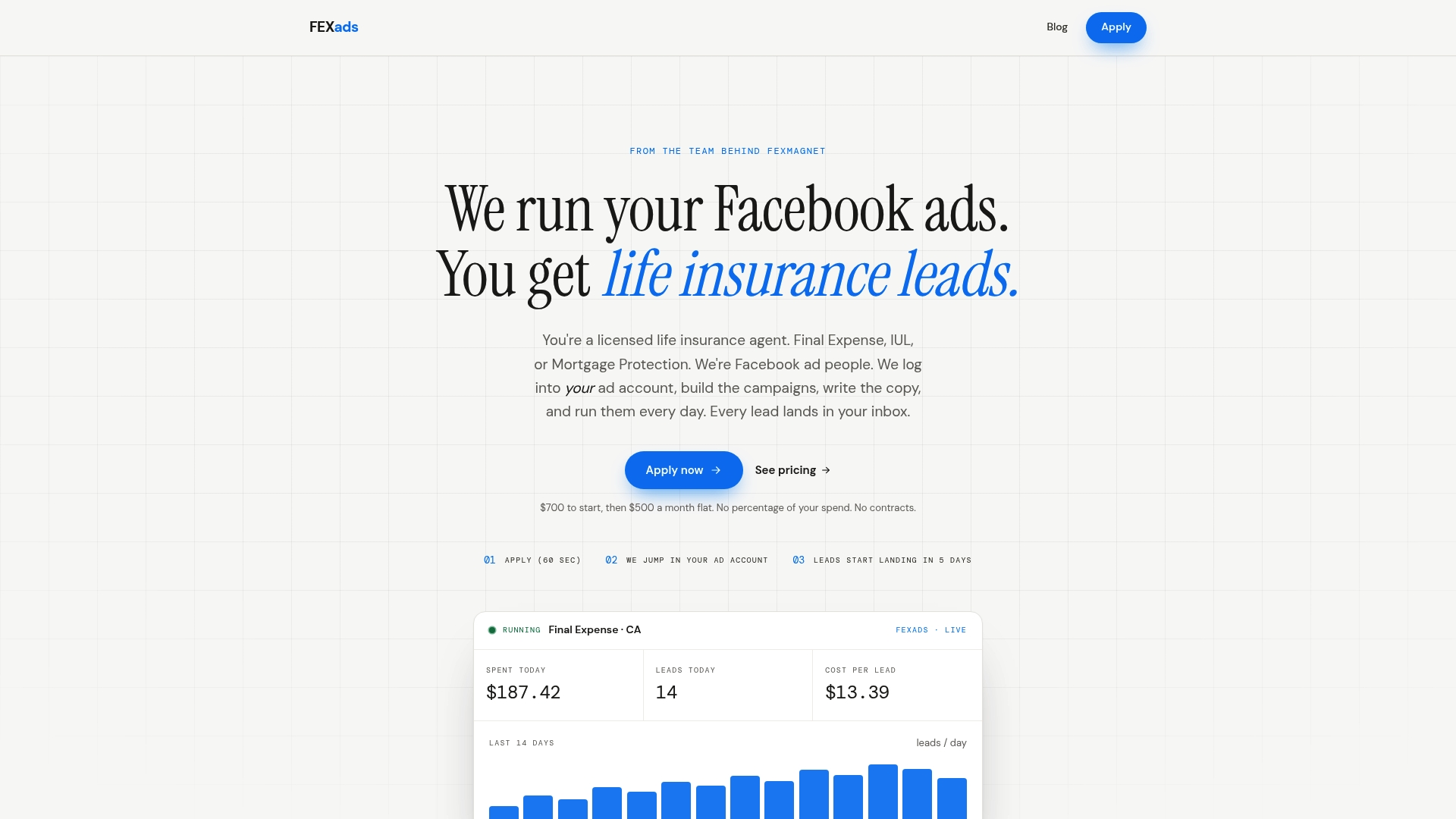
Scheduling is one of many daily decisions in a campaign. With our Management plan, we run the Facebook ad campaigns for your final expense, IUL or mortgage protection business inside your own ad account, including pixel installation, audience targeting, creative refreshes, compliance checks and daily optimization. Setup is a one-time $700 and includes a custom-built website, and ongoing management is $500 per month, billed separately from your ad spend. There are no contracts, and you own your leads and data.
If you want to see how it works before you apply, read how Facebook ads for insurance agents work, or go straight to the setup and management page.
A simple starting schedule to adapt
Here is a first-month plan you can adjust to your own numbers:
- Weeks 1 and 2: Run continuously on a daily budget or an all-hours lifetime schedule. Collect leads, note when calls connect, and review Page Insights.
- Weeks 3 and 4: Duplicate the best ad set and restrict the copy to your top-performing blocks. Keep everything else identical.
- Week 5 onward: Compare cost per appointment between the two. Keep the winner, then test a new variable, such as creative or form questions.
Adjust the timeline to your budget. A small budget generates leads slowly, so give each test longer rather than reading small numbers as proof. For a wider view of what leads cost and what actually closes, see our breakdown of life insurance leads by vertical, and for the whole process, our 2026 guide to Facebook life insurance leads.
FAQ
Why can’t I find the ad scheduling option in Ads Manager?
Ad scheduling by day and hour requires a lifetime budget, and it does not appear with a daily budget. Switch the budget type in the ad set’s Budget & schedule section, then set start and end dates. The scheduling controls should then appear under the extra options.
What is the best time of day to run life insurance Facebook ads?
There is no universal best time. It depends on your product, your audience and when you can reach leads quickly. Start with your Page Insights and your own lead data, then test time blocks against cost per appointment.
Should I turn ads off at night?
Only if your data or your follow-up capacity supports it. If late-night leads cost more, rarely answer, or sit untouched until morning, cutting those hours can help. If they convert at a fair cost and you have an automated, compliant follow-up, leaving them on is fine.
How long should I test a new schedule?
We suggest at least one to two weeks per variation, with budget, creative and audience held constant. That gives each time block repeated coverage across the week. Judge the results on trends across the whole test rather than a single good or bad day.
Sources
- Guide to Facebook Ads Manager, University of Miami
- How to Use Meta Ad Scheduling for Better ROI, Adamigo
- Facebook Ad Scheduling: the Guide Marketers Need, AdEspresso
- Meta x DCN: Facebook Ads Manager for beginners
- Navigating Meta Ads Restrictions for Insurance Agents, PSM Brokerage
- One-to-One Consent Rule for TCPA Prior Express Written Consent, FCC
- Marketing Funnels: 42% Better Lead Gen and SEO in 2026
Recommended
Want us to run your FE ads?
Two plans from $200 setup. A flat monthly fee from $500 that starts at your first sale.
Apply now